The Science of Healthy AI Use
Screen time itself isn't the enemy—quality matters more than quantity. A child having a 15-minute focused conversation with an AI to get homework help is very different from aimlessly scrolling for two hours.
Research from the American Academy of Pediatrics suggests that the key is intentional, purposeful use with parental guidance.
Red Flags for Unhealthy Engagement Patterns
Watch for these signs in any app your child uses:
- Streaks or daily challenges that create guilt about missing a day
- Notifications designed to pull them back in
- Social features that create comparison or competition pressure
- Progress bars that never fill completely (endless goals)
- Limited-time rewards that create artificial urgency
How to Use KidsChatGPT Healthily
1. Set Clear Intentional Use Cases
Talk with your child about why they're using the app:
- "I want help with my math homework"
- "I'm struggling with a friendship issue"
- "I want to learn about dinosaurs"
vs. "I'm just bored"
When use is intentional, it's easier to know when you're done.
2. Use Parent Plan Analytics to Understand Patterns
The Parent Plan ($14/month) shows you:
- How often your child is using the app
- Session lengths over time
- Which chat types they're engaging with most
Use this data conversationally: "I notice you've been chatting about friendship stuff a lot lately. Everything okay?" instead of accusatory: "You're spending too much time on this app."
3. No Built-In Addiction Features
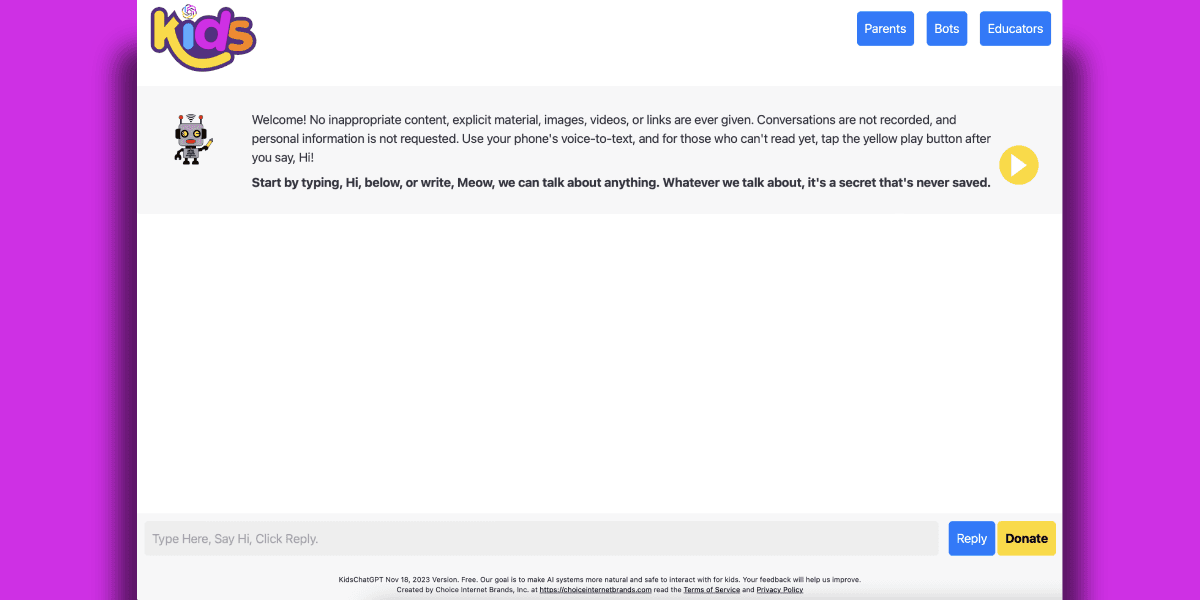
Because KidsChatGPT has no streaks, notifications, or daily challenges, your child won't feel pressure to keep coming back out of habit. The engagement is real—they want to use it because it's helping them with something they care about.
4. Collaborate on Screen Time Rules
Instead of imposing limits, try collaborative boundaries:
- "Let's agree you check in with homework help after school, then we take a break"
- "AI conversations are great for learning, but let's not use it instead of other ways to relax"
- "Phone off during dinner—if you need the AI, we can talk about it after"
The Bigger Picture: Teaching Digital Literacy
Healthy boundaries with AI aren't about restriction—they're about teaching your child to be intentional with technology. Kids who develop this skill now will make much better choices as they get older and face apps explicitly designed to be addictive.
KidsChatGPT is designed to be a tool your child can use with your guidance. Not without it.
Questions to Ask Your Child
Have regular, judgment-free conversations about AI use:
- "What did you learn today?"
- "Did the AI give you good advice, or did it miss something?"
- "Is this helping you, or are you just passing time?"
- "What would you do if you didn't have this app? Is that better or worse?"
These conversations teach critical thinking while staying connected to your child's tech life.
The Bottom Line
Healthy screen time with AI isn't about the clock—it's about intention, awareness, and parental involvement. Tools like the KidsChatGPT Parent Plan give you the data to have those conversations with confidence.